
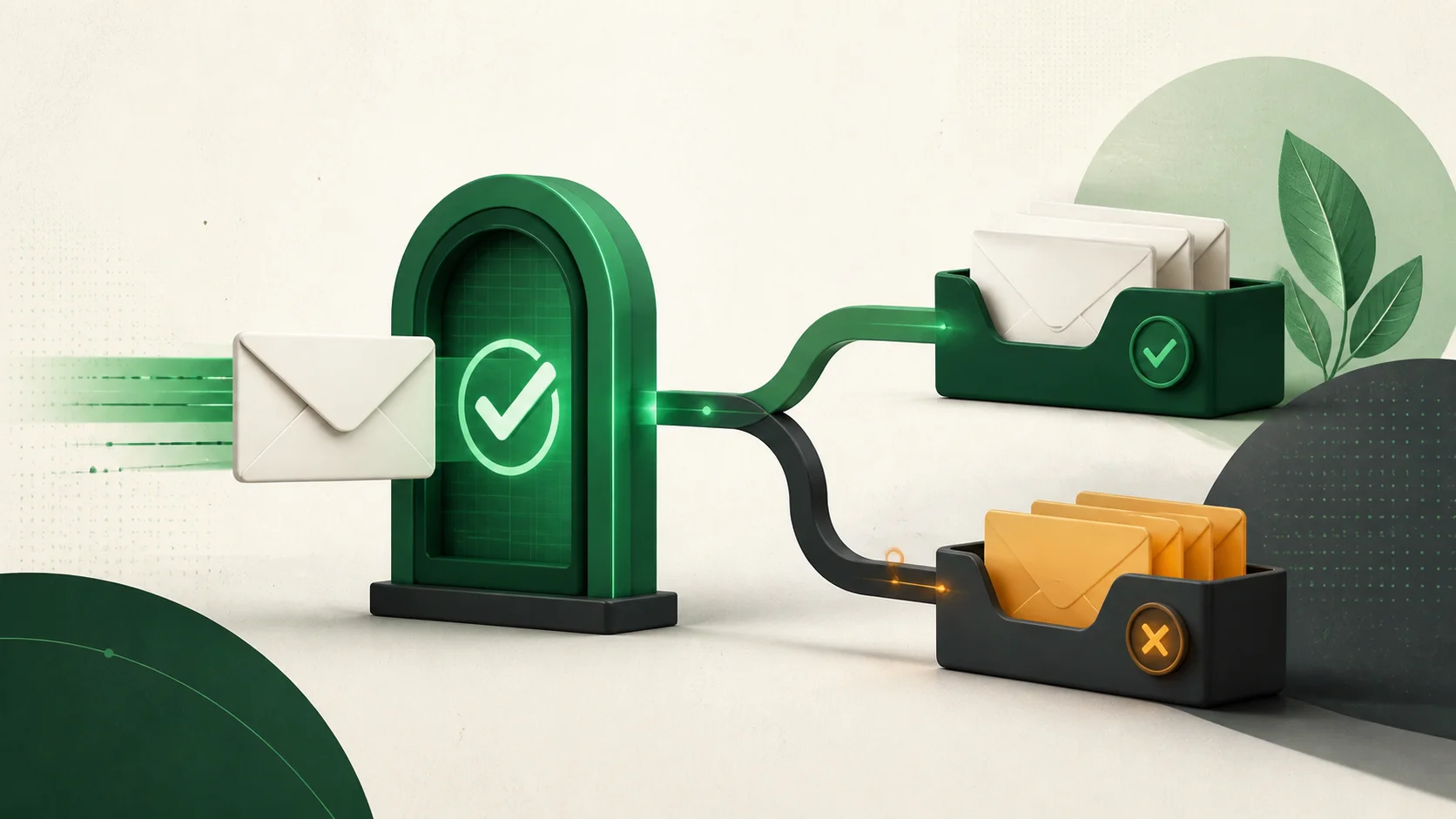
Use DMARC reports to investigate authentication. Use sending logs and recipient-side evidence to investigate delivery. A passing result alone cannot tell you where a message landed.
Your authentication dashboard is green. The campaign owner still has a screenshot of an email in spam. Both observations can be correct. The useful next step is to trace one affected message, then identify which stage needs attention.
What a passing result actually proves
DMARC passes when a successful SPF or DKIM check aligns with the visible From domain. That associates the message with an authorized domain. It does not certify the content, the sender's intentions, or the recipient's interest. A receiver can still filter it. RFC 9989, section 3.1, explicitly separates authorization from whether inbox delivery is desirable.
If the affected message already passes DMARC, changing alignment mode is not a sensible first response to a spam complaint. Keep the existing authentication evidence and investigate the receiver's handling of that message.
Read aggregate counts as authentication observations
An aggregate report groups messages by source and evaluation results. Its counts can include messages blocked by other filters. The disposition describes the DMARC policy result; it is not a receipt from the recipient's inbox. These boundaries are defined in RFC 9990, section 3.1.
For example, imagine a reporting receiver records 800 messages with aligned DKIM. Your support team hears from three recipients who found the campaign in spam. The report establishes an authentication result for the observed group. It does not establish that 800 inbox deliveries occurred, or that only three messages were filtered.
Keep the report's time window and receiver attached to any metric you share. Label it “DMARC pass rate in received reports” instead of “delivery rate.” That small wording change prevents a security metric from becoming an unsupported campaign promise.
Build a case around one affected message
Our suggested investigation starts with a narrow evidence packet. Pick an affected recipient and a specific send, rather than comparing a weekly dashboard with an undated screenshot. Keep recipient details and raw headers in your private support workflow.
- Sending service, send time with timezone, and message or provider event ID.
- The sending service's event trail and the remote SMTP response, when available.
- Recipient-side headers and the folder or quarantine where the message was found.
- The matching receiver and reporting interval in your DMARC data.
- Recent changes to the campaign, audience, sending volume, or infrastructure.
Ask what your provider's “delivered” event measures. If it records acceptance by the remote server, describe it as receiver acceptance. Confirm actual placement with the recipient or their mail administrator. Avoid turning a provider label into stronger evidence than its documented meaning supports.
Investigate the layer that has failed
- Authentication failure: inspect the affected message's From domain, SPF identity, DKIM signing domain, and alignment. Use our alignment guide to interpret mismatches.
- Rejection or deferral: preserve the complete SMTP response and follow the receiving provider's explanation. Give your sending provider the event ID so it can investigate the same transaction.
- Accepted but found in spam: examine audience consent, complaint patterns, reputation, and recent sending changes. Ask the recipient's administrator about organization-specific filtering when that context is available.
Google's email sender guidelinesconnect spam complaints with reputation and recommend consistent sending volume, gradual increases, and easy unsubscribe. Postmaster Tools can provide Gmail-specific reputation and complaint signals. Google also cautions that third-party open rates are not reliable proof of delivery or spam classification.
Verify the fix with the same kind of evidence
Write down your hypothesis before making a change: which sender, which receiver, and which symptom should improve? Then compare a fresh send through the same workflow. An authentication fix should show corrected alignment; a placement investigation needs fresh recipient-side evidence. A test inbox is a useful sample, but it cannot represent every recipient's filters.
Keep a short incident note containing the change, its time, and the observed result. If only the authentication result is known, say so. That gives the next person a clear starting point and keeps a green dashboard from closing an unresolved delivery issue.
Disclosure: AI tools were used in the process of creating this blog post.