
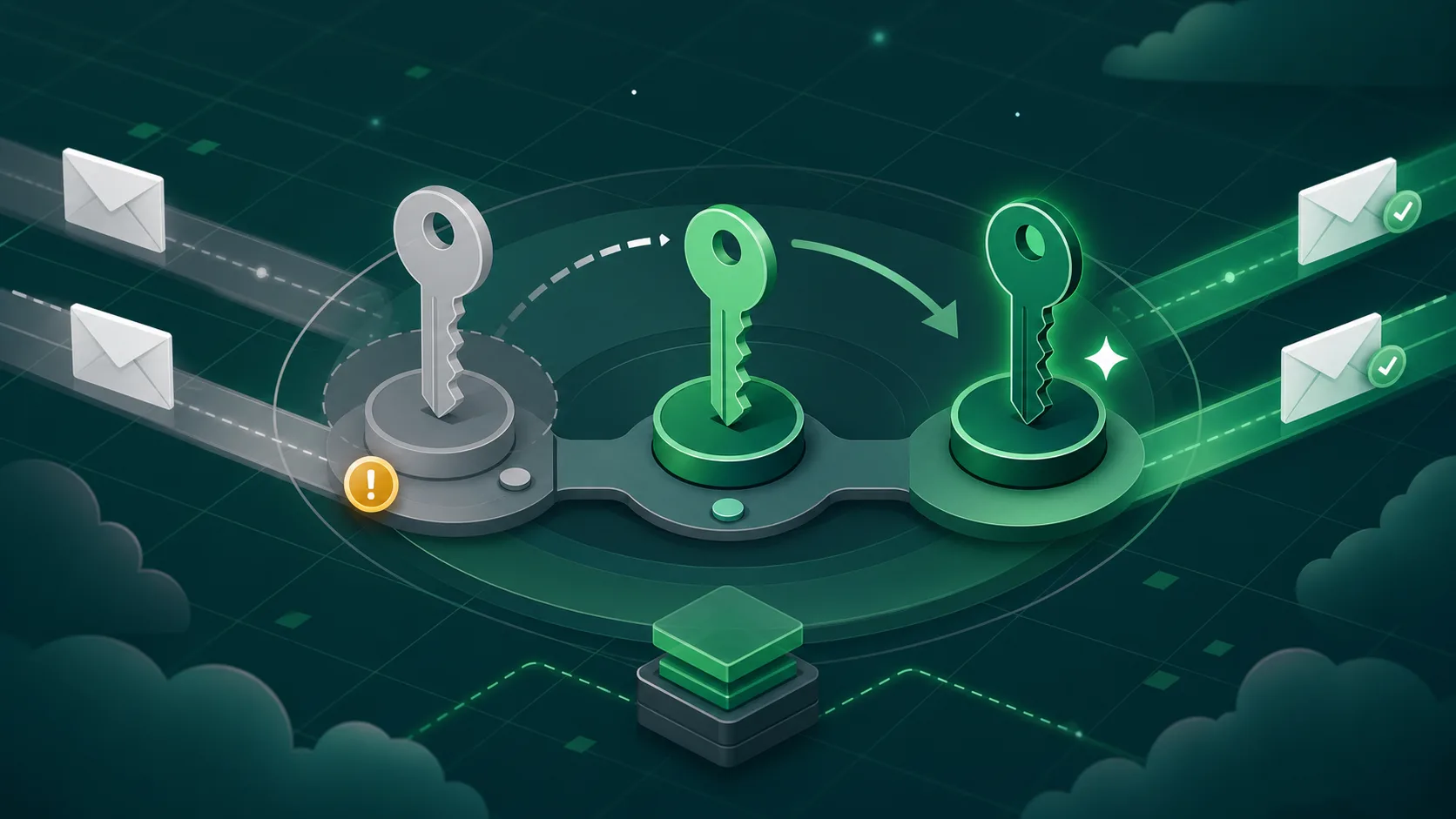
Rotate DKIM keys on a fixed cadence, use a new selector each time, keep the old selector briefly for queued mail, then remove it. Rotation is not complete until the old selector is gone.
DKIM has one property that makes it different from almost every other cryptographic key in your environment: it lives in DNS, and DNS does not tell you when something is stale. There is no expiry field. No warning that a selector has been around since 2017. The old key keeps signing, the old selector keeps validating, and one day someone discovers transactional mail is still being signed with a 1024-bit RSA key that should have been retired two upgrade cycles ago.
We see this regularly during onboarding. It is usually not negligence. It is the default behavior of "set it and forget it."
The selector model
DKIM has selectors specifically so a domain can have more than one key at a time. A selector is the prefix in the DNS name: s1._domainkey.example.com, mailgun._domainkey.example.com, google._domainkey.example.com. Each selector points to a separate public key, and the signature header on a message names the selector the receiver should look up.
That design makes rotation possible without downtime. The old key can stay in DNS for messages already queued or in transit, while the new key signs new mail. Without selectors, every rotation would risk a signing outage.
The cadence
The rotation numbers we recommend are deliberately boring:
- Rotate every six months; annual is the outer bound, quarterly is better for high-value domains.
- Use 2048-bit RSA at minimum where RSA is used.
- Use Ed25519 where your sender and receiver mix supports it.
- Use a fresh selector every time instead of overwriting an existing selector.
- Retire the old selector after the observation window closes.
Long-lived keys are the rotation problem in miniature. The longer a private key exists, the more places someone may have copied it, backed it up, exported it, or forgotten it.
The procedure that holds up
The sequence that avoids breaking mail in flight is short:
- Day 0: Generate a new key pair. Publish the new public key at a new selector, for example
2026-06._domainkey.example.com. Leave the old selector untouched. - Day 1: Configure the sending platform to sign with the new selector. Send a test message, verify the
s=tag, and confirm the new public key resolves. - Days 2-7: Observe DMARC reports. New mail should align under the new selector. Queued or delayed mail can still validate against the old selector.
- Day 8: Remove the old selector's DNS record. The previous key is now retired, and any leaked copy of its private key is no longer useful.
The last step is the one most teams skip. The new key works, the old key works, and nothing forces the cleanup. But the point of rotation is to render the previous key useless. A rotation that leaves the previous selector valid for years has not actually rotated anything.
Four failure modes
The selector that never goes away. Domains accumulate selectors. Some have not signed a message in years, but each one remains a trust anchor if the public key stays in DNS.
The vendor rotates without telling you. CNAME-based DKIM is useful because the ESP manages the key behind the target record. It still belongs in your inventory. Ask the vendor what their rotation cadence is and how they communicate selector changes.
Single-letter selectors. Selectors like s1, k, and mail are easy to collide across platforms. Date selectors or vendor-name them so two senders do not silently compete for the same DNS name.
The 1024-to-2048 upgrade that never happened. A new 2048-bit key gets published, but signing remains pointed at the old 1024-bit selector. The stronger key sits unused while the weak key continues to carry production mail.
What DMARCify shows
Every DKIM selector observed in aggregate reports is a useful inventory signal. DMARCify surfaces selectors with first-seen date, last-seen date, key size, and signing volume. A 1024-bit selector should get attention. A selector last seen 18 months ago should probably be removed from DNS.
The shortcut
If your ESP supports CNAME DKIM, use it. The platform then owns most of the cryptographic rotation mechanics, and your job becomes governance: maintain the inventory, confirm the vendor cadence, watch what selectors are actually signing, and remove records that no longer belong.